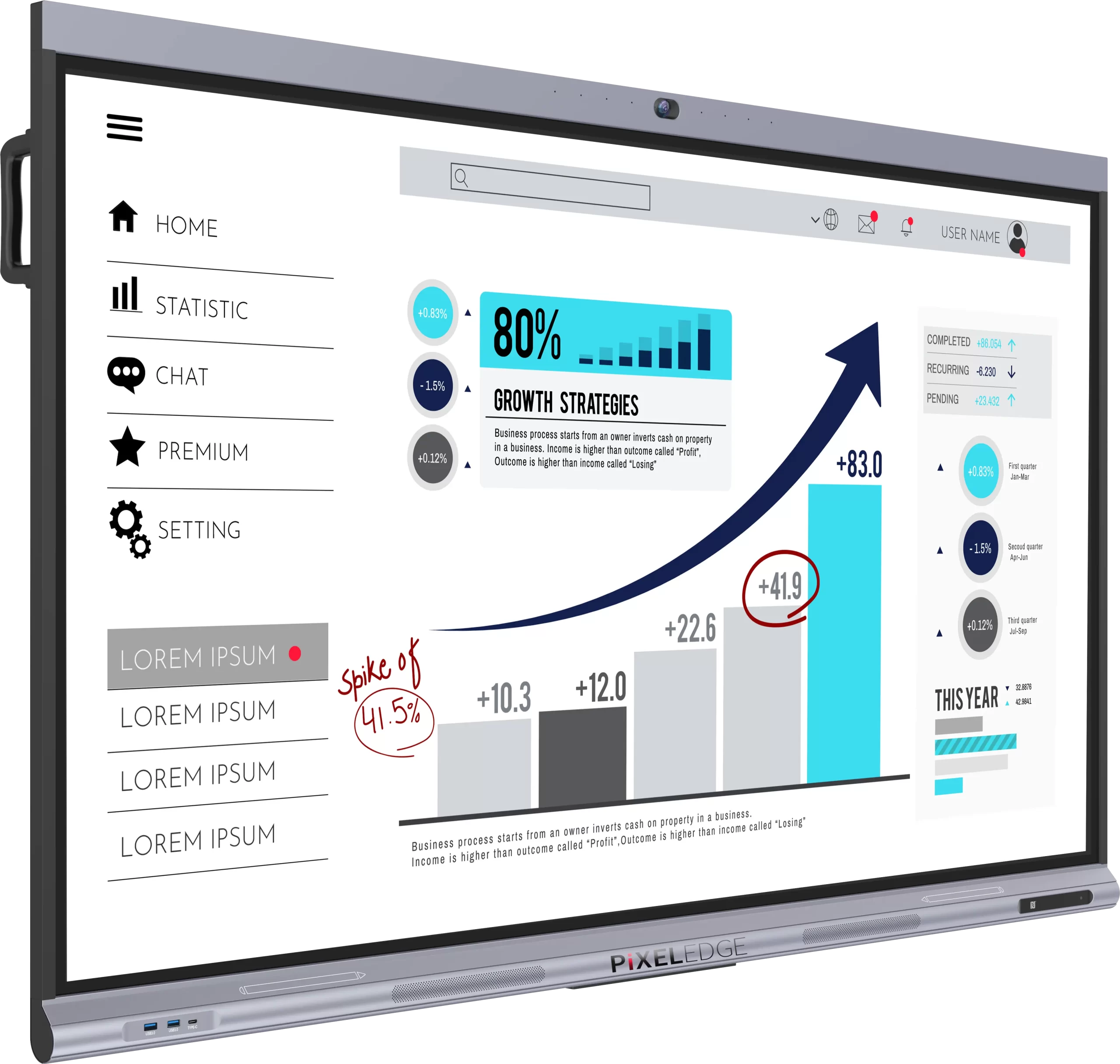
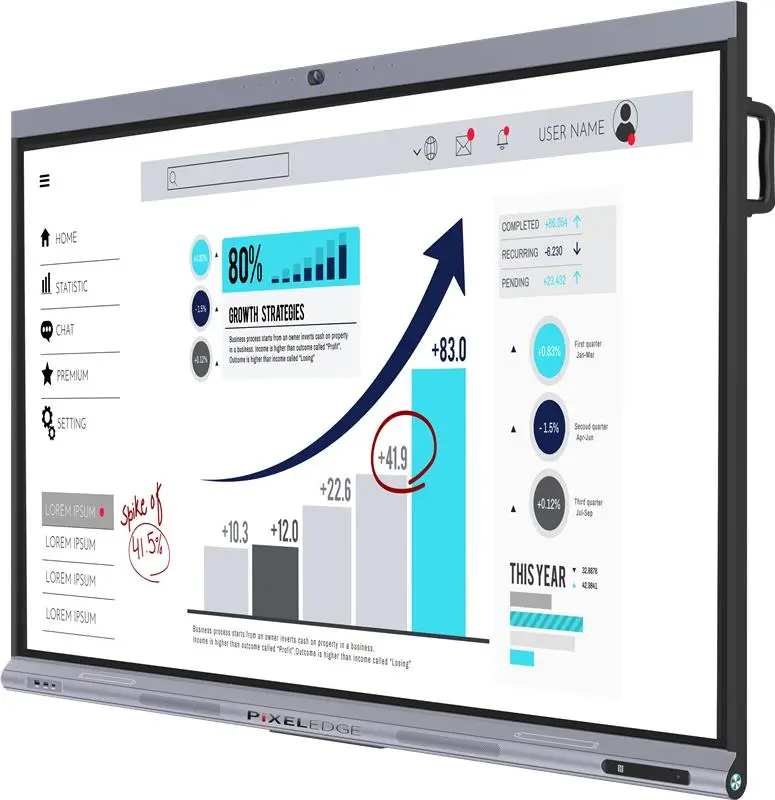
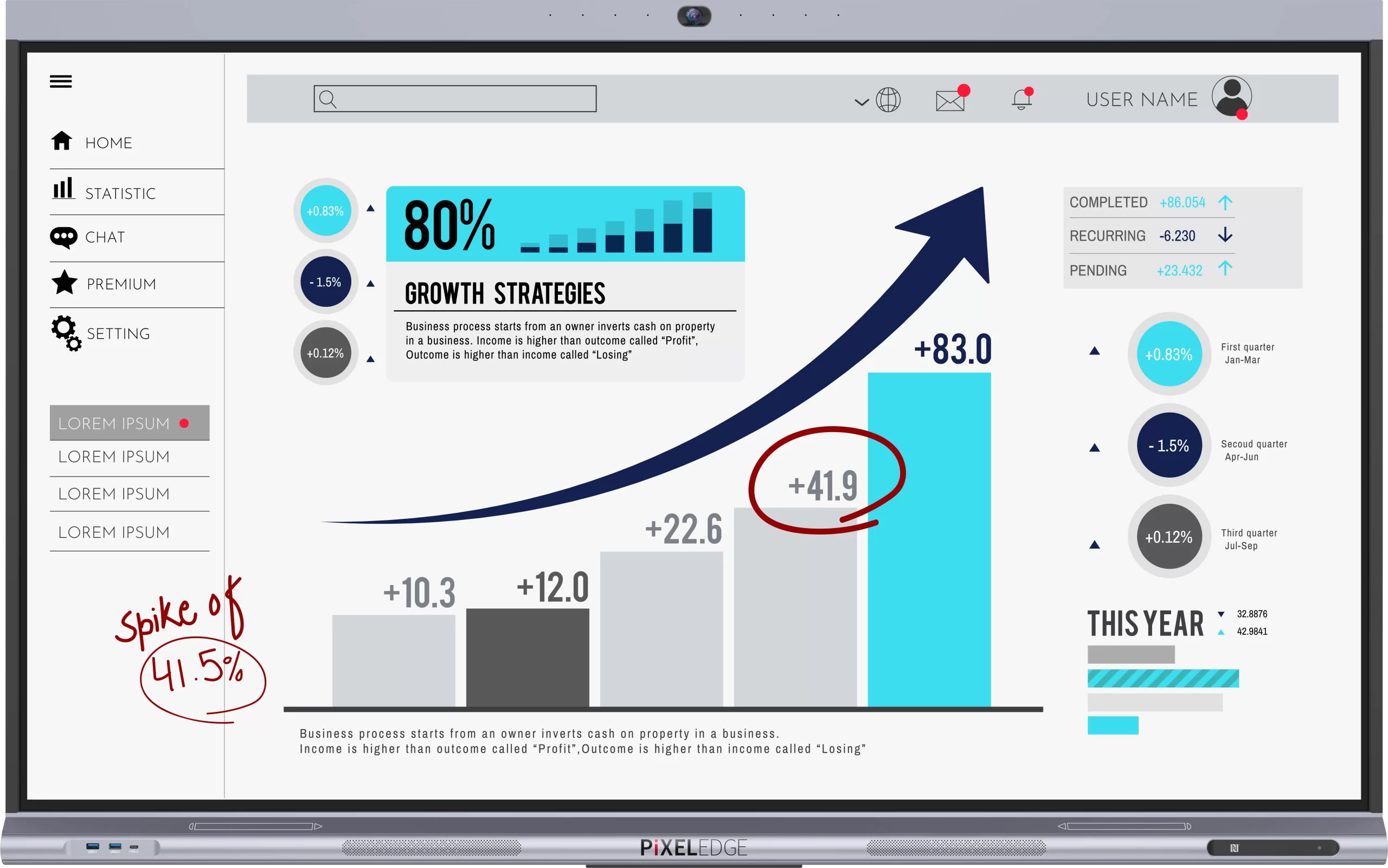
Expanded interaction for larger learning and collaboration spaces
The PixelEdge PE-SB751 interactive smartboard is designed for classrooms that need a larger interactive surface to support group engagement. It combines powerful touch interaction, visual clarity, and intuitive usability, making it ideal for modern education. When used as a smart board for classroom teaching, PixelEdge PE-SB751 helps users communicate ideas clearly and effectively.
This advanced interactive digital whiteboard replaces traditional teaching and presentation methods with a more engaging and efficient solution. It supports visual learning, collaborative work, and digital content interaction, making it one of the best smart boards for teaching in modern institutions.

[Tagline] Interactive smartboard for collaborative learning
PixelEdge PE-SB751 is a modern interactive electronic whiteboard that transforms traditional teaching into an interactive, visual explanation and collaborative learning. It functions as a central hub for teaching, training, and professional communication.
As a smart interactive whiteboard, it transforms passive lessons into engaging experiences. Teachers can explain concepts visually, while students interact directly with the content. This improves focus and participation. As an interactive panel for classrooms, it supports modern teaching methods and digital learning environments.
It also works effectively as a digital board for classroom use and supports professional environments where collaboration is essential. The board enhances engagement, making it one of the most reliable interactive whiteboards for schools and corporate training spaces.
[Tagline] Designed to support larger groups
PixelEdge PE-SB751 offers clear advantages for institutions that operate with larger audiences. Its benefits focus on scale, engagement, and collaboration. As a smartboard for teaching, it allows educators to manage group activities smoothly. As a smart interactive whiteboard, it helps:
The interactive whiteboard for classroom encourages students to interact directly with lessons. This makes learning more engaging and improves knowledge retention.
Methods As a smart board in a classroom helps educators explain complex concepts using visuals, annotations, and digital tools. This improves teaching effectiveness.
This interactive digital whiteboard enables multiple users to interact simultaneously. It promotes teamwork and collaborative learning.
Schools adopting smartboards in classrooms benefit from improved lesson delivery and student participation.
The best digital board for teaching helps educators deliver lessons efficiently while keeping students engaged.
In school environments, the interactive electronic whiteboard enhances brainstorming sessions and training programs.
Built for everyday classroom and office use
The PixelEdge PE-SB751 includes features that support frequent and extended usage across educational institutions. For institutions seeking a 4K UHD interactive display for education, PE-SB751 supports immersive and engaging visual learning.
The touch screen smart board provides a smooth and accurate touch response, enabling natural writing and interaction.
This touch screen board for teaching allows multiple users to interact simultaneously, encouraging teamwork.
As a smart digital whiteboard, it delivers clear visuals that improve student focus and comprehension.
The interactive digital whiteboard supports multimedia content, improving lesson quality and engagement.
The interactive smart board is designed for consistent daily use in classrooms and professional environments.
It functions effectively as an interactive whiteboard for classroom learning, college learning, or university presentations.
Supporting education at scale
PixelEdge PE-SB751 adapts well to environments where larger groups need to stay engaged.
Use the smart board in the classroom to explain lessons visually, engage students, and encourage participation.
As one of the most reliable interactive whiteboards for schools, it supports digital education initiatives.
The interactive electronic whiteboard improves training efficiency by supporting interactive teaching methods.
The smart interactive whiteboard enhances presentations, brainstorming sessions, and discussions.
As a touch-screen smart board, it supports group activities and collaborative learning experiences.
Teaching that involves every learner
The PE-SB751 stands out among interactive smartboards for education by making it easier to engage entire classrooms. Teachers can move freely between explaining concepts and encouraging participation.
As a smartboard for teaching, it supports visual learning, interactive discussions, and collaborative problem-solving. Students benefit from direct interaction, which improves understanding and retention.
As an interactive whiteboard for learning, it shifts classrooms from lecture-based instructions to active learning.
Designed for growing classrooms
PixelEdge PE-SB751 is built for institutions that want to improve engagement and communication. It supports modern digital learning environments, making it one of the best smart boards for teaching.
As a smart digital whiteboard, it enhances classroom learning by supporting visual explanations and student interaction. As a digital board for classroom, it helps schools transition into digital education. As an interactive panel for classroom, it improves teaching efficiency and engagement.
For educational institutions adopting interactive whiteboards, PixelEdge PE-SB751 provides reliability, performance, and long-term value. It is designed to support modern education, helping institutions create interactive environments.
| Pixel Edge Models | PE-SB751 | |||
|---|---|---|---|---|
| INSTALLATION | LANDSCAPE | |||
| DISPLAY | Display Size | 75-inch-class (74-1/2 inch (189.3cm) diagonal) TFT LCD | ||
| Max. Resolution | 3840 x 2160 Pixels | |||
| Max. Display Colours (approx.) | 1.07B (8bit + FRC) | |||
| Pixel Pitch (H x V) in mm | 0.4296(H) x 0.4296(V) | |||
| Max. Brightness | 400 cd/m² | |||
| Contrast Ratio | 1,200 : 1 (typical) | |||
| Viewing Angle (H/V) | 178°(H) / 178°(V) | |||
| Active Screen Area (W x H) in mm | 1649.664(H) x 927.936(V) | |||
| Response Time | 8ms (typical) | |||
| Backlight | D-LED | |||
| TOUCH SPECIFICATIONS | Touch Technology | IR (infrared blocking detection method) | ||
| Multi Touch | 40 Points | |||
| Surface Protection | 3.2mm Toughened Glass | |||
| Response Time | ≤ 10ms | |||
| Touch Pen | Passive Pen | |||
| SYSTEM | CPU |
Max 2.2GHz for big and 2.0GHz for little
4 A73(Quad core A73)+4 A53(Quadcore)
|
||
| GPU | MaliG52 MP8 | |||
| Memory & Internal Storage | 8 GB RAM, 128 GB ROM | |||
| OS | Android | |||
| Power Requirements | AC 100 V – 240 V, 50/60 Hz | |||
| Power consumption without OPS | 300 w | |||
| OPS Power | DC 18V/5A | |||
| INTERFACE | Input (*3)(*4) | Front | Public USB (front) 3.0×2, Type C (front) | |
| Rear | HDMIx2, DPx1, Type C, VGAx1, LANx2, Audiox1, MICx1, Touch-USBx3, RS232x1, USB 2.0×1, USB3.0x2 | |||
| Output (*3)(*4) | Rear | Rear : S/PDIF x1, Audio x1 | ||
| OPS | Optional | |||
| WIFI | Operating Frequency | 2.4GHz/5GHz | ||
| Wi-Fi Standard | 802.11 a/b/g/n/ac/BT | |||
| CAMERA | Pixels | 8MP | ||
| Lens Angle of View (FOV) | Diagonal 103° | |||
| Array Size | MJPEG : 3840*2160 [30fps], 1920*1080 [30fps] | |||
| MIC ARRAY | Array Quantity & Pickup Area | 8-mic & 8m (angle: 45°-135°) | ||
| Echo Cancellation (AEC) & Automatic Gain (AGC) | Yes | |||
| Output Signal | USB Output | |||
| Speaker Output | 15 W + 15 W / 8Ω | |||
| ENVIRONMENTAL CONDITIONS |
Operating Temperature (*2) | 0 °C to + 40 °C | ||
| Operating Humidity | 20% to 80% RH (non-condensing) | |||
| PACKAGING | Dimensions Package Size (W x D x H) | 1716.5mm x 105.6mm x 1069.7mm | ||
| Weight (in kg) | Net wt – 54.5kg / Gross wt – 63.5kg | |||
| Wall Mounting Holes (VESA) | (4-M8 Screw Hole 800mmx400mm) | |||
| Main Accessories | 1 Remote, 2 Stylus, 1 HDMI Cable, 1 Power Cable, 1 Touch USB Cable, Wallmount Kit, 1 User Manual, 1 Instruction Manual, 2 AAA Batteries | |||
